
Conversions
Read conversion results
Use goal and funnel results to find the next improvement.
What it is
Conversion results show how often the selected site's goals and funnels are completed. Goal results include visitors, unique conversions, total conversions and conversion rate. Funnel results show the people who reached each ordered step and the resulting rate.
Why use it
Use conversion results to move from a change in traffic to a clear view of whether visitors are completing the action the page or campaign was designed to support.
Before you start
- Create and activate the goal or funnel you want to review.
- Use the same site and reporting context when you compare a conversion result with traffic, source or page reports.
How to use it
- 1
Open the goal or funnel result
In Site settings, open Conversions or Funnels and choose View 28 days for the item you want to understand.
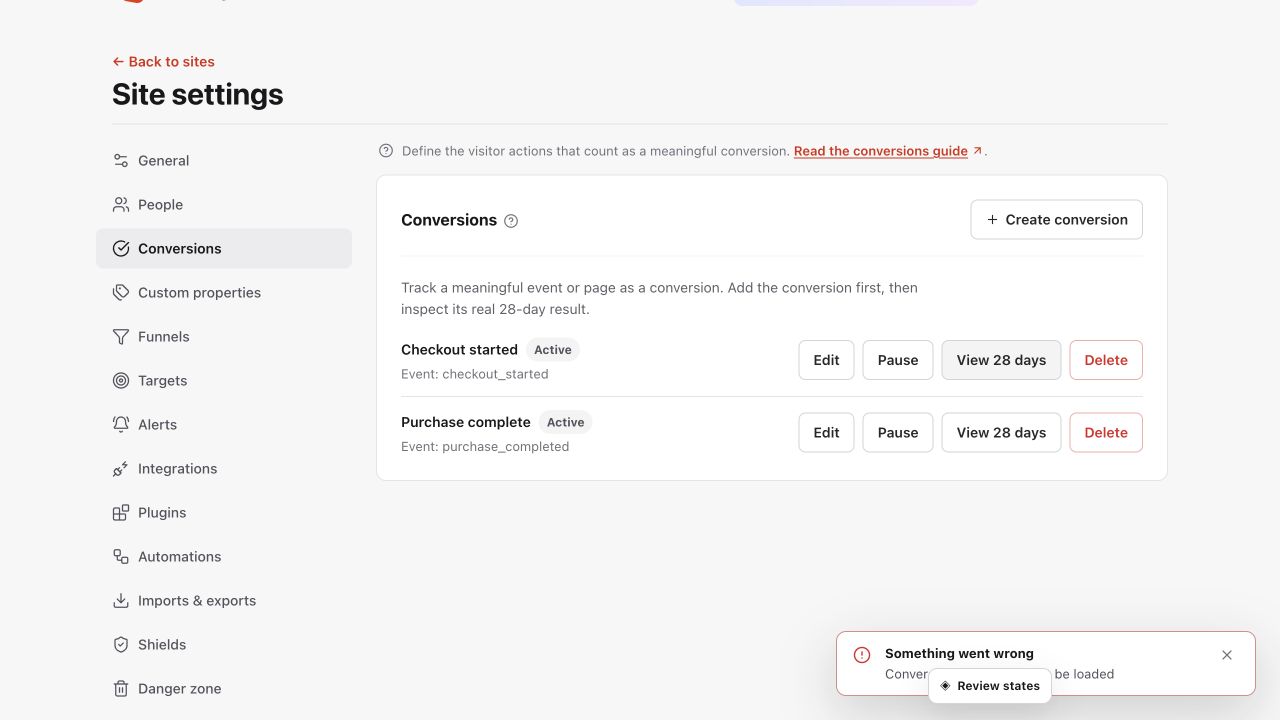
Read the conversion count and rate together, then compare equivalent periods before acting. Shown in Premely with disposable demo data; your values will differ.
- 2
Read the conversion count with the rate
Review visitor volume beside unique conversions, total conversions and conversion rate. A rate without enough visitor context can point to the wrong conclusion.
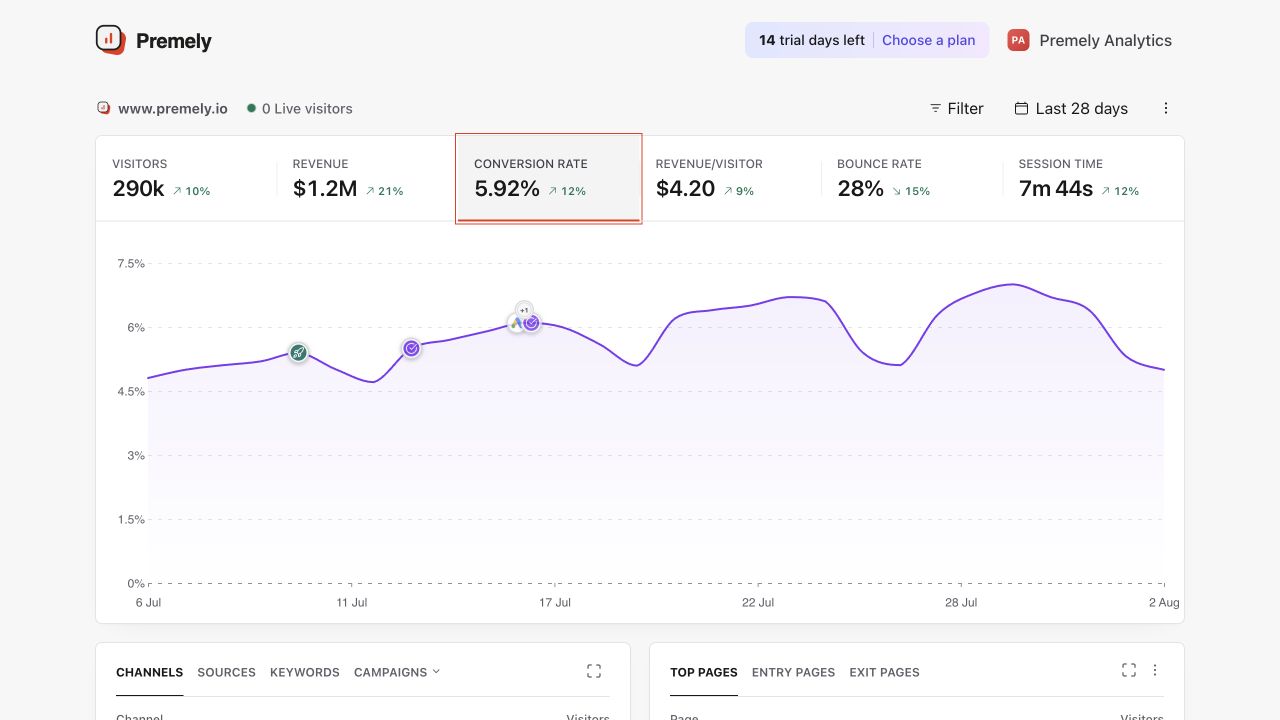
Use the rate with visitor and completion counts, then compare it with the same conversion definition and period. Shown in Premely with disposable demo data; your values will differ.
- 3
Read a funnel in step order
For a funnel, compare the people reaching the first goal with the people reaching the second goal, then read the completion rate for the selected window.
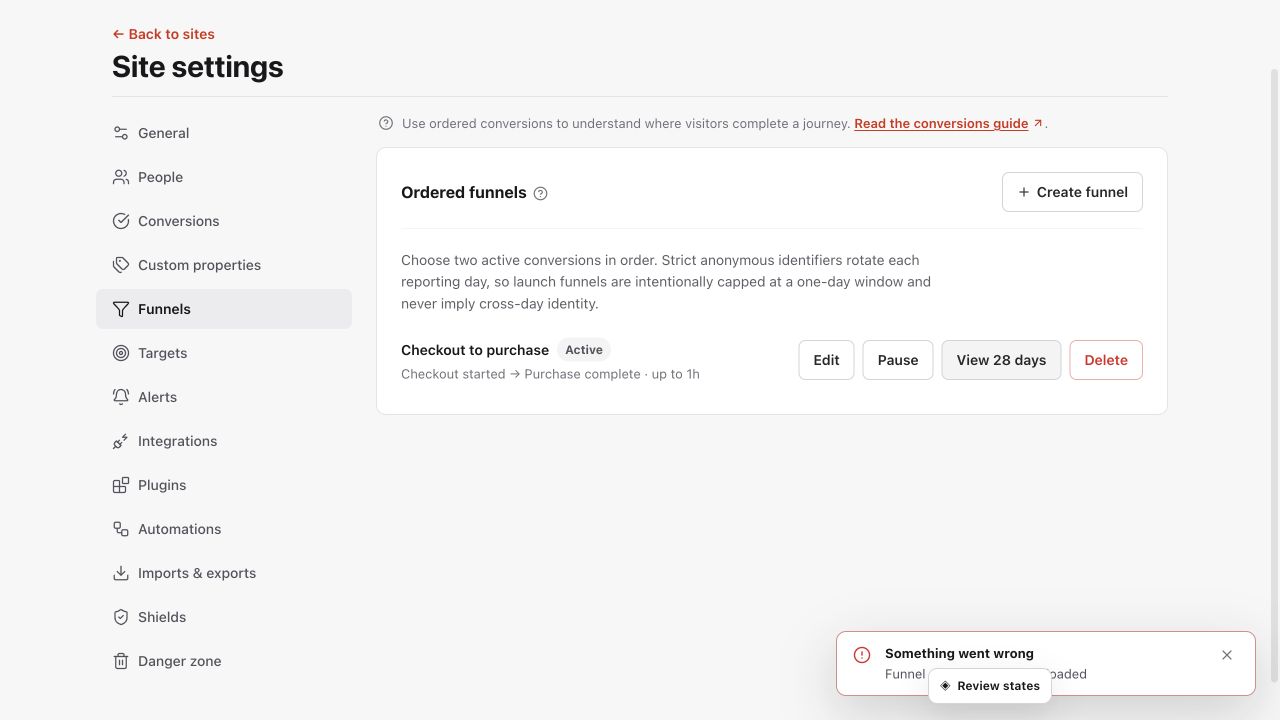
Read each ordered step and its drop-off together before changing the journey. Shown in Premely with disposable demo data; your values will differ.
- 4
Compare the right supporting report
Use your dashboard to review the sources, pages, devices or countries that give the conversion result useful context.
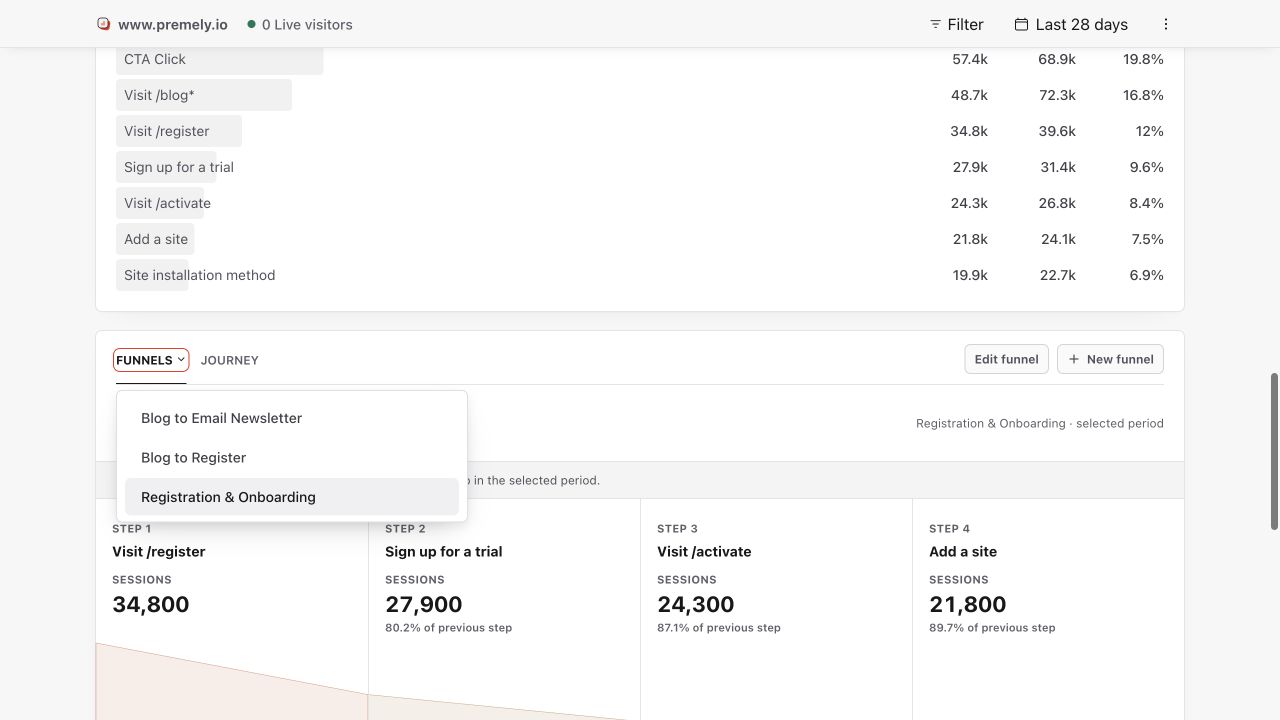
Use the dashboard funnel report to compare ordered-step completion for the selected period. Shown in Premely with disposable demo data; your values will differ.
- 5
Maintain the definition when the journey changes
Pause or update a goal or funnel when its event, completion page or step order no longer represents the real customer journey.
What to expect
Unique and total conversions can differ
One visitor can complete an action more than once. Review both counts when repeat completions are meaningful for the goal.
Funnels depend on active goals
A funnel needs its ordered goals to stay active. Pause or update the funnel when a goal definition changes.
The completion window sets the question
A one-hour, six-hour or one-day window measures a different journey. Keep the same window when you compare funnel results over time.
Useful ways to apply this
A landing-page improvement
Review its conversion goal with the page's traffic before you decide whether a change improved the completed action.
A campaign review
Compare acquisition sources with goal or funnel results to see which visitors progress beyond the first visit.