
Integrations
Connect Google Search Console
Add Google Search Console performance data to one Premely site.
- Google Search Console

What it is
The Google Search Console connection adds search clicks, impressions, CTR and average position to the selected site context.
Why use it
Use search performance beside traffic reports to understand which search activity is reaching and converting on the site.
Before you start
- You need owner or admin access in the Premely workspace.
- Use a Google account that can access the Search Console property for the selected site.
How to use it
- 1
Open Search Console
From Site settings, open Connections and choose Google Search Console.
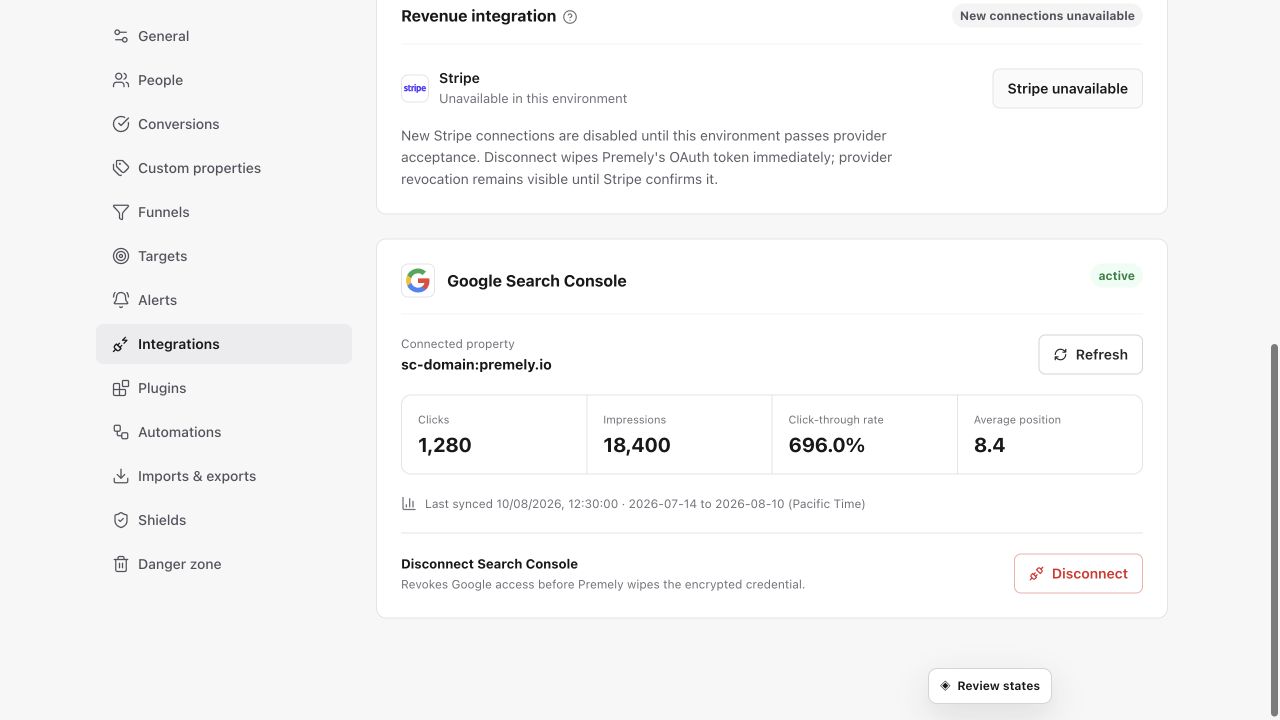
Authorize the exact Search Console property before interpreting clicks, impressions, click-through rate or position. Shown in Premely with disposable demo data; your values will differ.
- 2
Connect your Google account
Choose Connect and complete Google authorization. Premely requests read-only access to the properties you can use.
- 3
Select the matching property
Choose the property that covers the public domain in Premely. The first 28-day sync is then queued for that site.
- 4
Review and refresh the data
Use the connection status to confirm the selected property. Choose Refresh when you need an updated search performance sync.
What to expect
Search Console data can arrive later
Google may make the most recent data available after a short delay. Check the shown sync status before you compare a period.
You can disconnect at any time
Use Disconnect to revoke the provider connection and remove the stored credential from Premely.
Useful ways to apply this
A search-led content review
Compare search clicks and impressions with the pages, goals and funnels that matter to the website.