
Automations
Connect Discord
Send selected Premely events to a Discord channel webhook.
- Discord

What it is
The Discord destination posts safe operational summaries to the Discord channel connected to its webhook URL.
Why use it
Use Discord when your team monitors website operations, alerts or export results in a Discord channel.
Before you start
- Create a webhook in the Discord channel where the team should receive Premely messages.
- You need owner or admin access in the Premely workspace.
How to use it
- 1
Choose Discord
From Automation destinations, choose Discord.
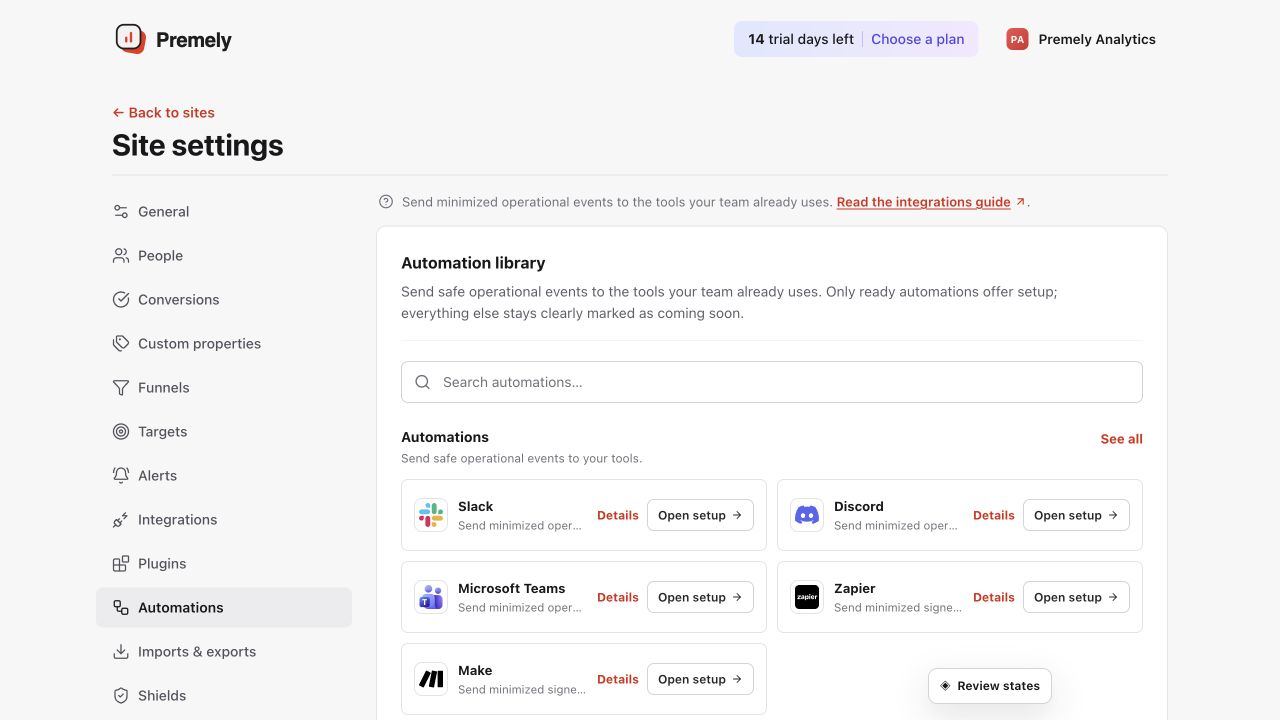
Choose Discord, enter the channel webhook and test the selected events. Shown in Premely with disposable demo data; your values will differ.
- 2
Name the destination
Use a name that makes the channel’s purpose clear, such as
Website operations. - 3
Paste the channel webhook URL
Copy the webhook URL from Discord and paste it into Premely. Keep the full URL private.
- 4
Select events and test
Save the selected events, then send a test from Premely and confirm it reaches the intended channel.
What to expect
The connection is site-scoped
A Discord destination belongs to the selected Premely site. Create a separate destination for another site when needed.
You can pause or remove it
Pause a destination during a workflow change or remove it when the Discord channel is no longer the right destination.