
Plugins
Install Premely on Carrd
Add the generated Premely script as a hidden Head embed, publish and verify the site.
- Carrd

What it is
Carrd installs Premely through a hidden Embed placed in the site head. This makes the generated script available site-wide without changing the visible page design.
Why use it
Use this guide when your Carrd plan supports custom-code embeds and you want one clean analytics installation.
Before you start
- Create the Carrd public domain as a site in Premely and copy its generated script.
- Carrd requires Pro Standard or higher for the Head Embed control.
How to use it
- 1
Add an Embed element
In the Carrd builder, add an Embed element and set its Type to Code.
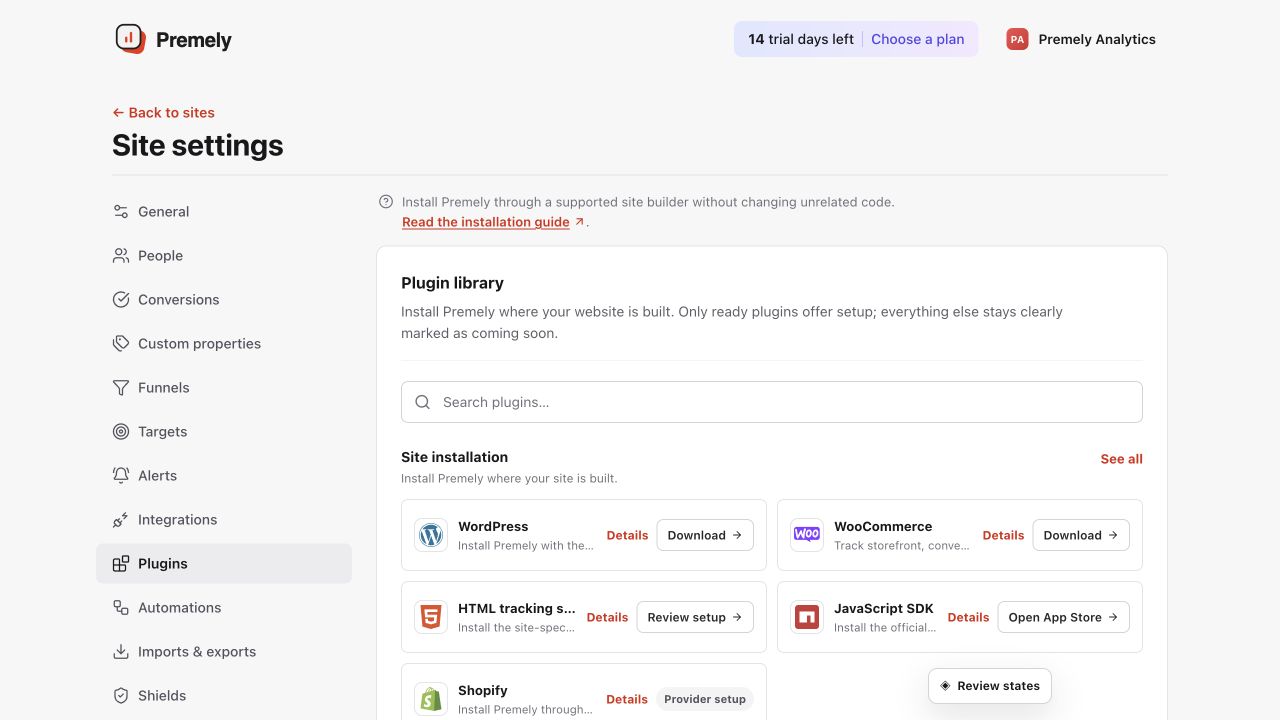
Open Carrd for the current generated code, add one hidden head embed, publish and verify. Shown in Premely with disposable demo data; your values will differ.
- 2
Paste the generated script
Paste the Premely script into the Embed code field.
- 3
Set the embed to Hidden and Head
In the Embed settings, choose Hidden for Style and Head for placement so the code does not appear in the page content.
- 4
Publish and verify
Publish the Carrd site, visit the public URL and confirm the Premely connection status. Carrd does not run the head embed in the builder itself.
What to expect
The embed stays invisible
A Hidden Head Embed adds the tracker to the site document without creating a visible design element.
Only the published site is measured
Use the public Carrd URL to verify the installation because the builder preview does not execute the head embed.