
Manage your workspace
Delete a site or workspace
Queue a permanent deletion request and follow its visible status from the correct Premely context.
What it is
Deletion controls let an authorised person request permanent removal of either one site or the workspace that contains its sites, people and shared settings.
Why use it
Use this guide for an approved offboarding or duplicate-site cleanup, after you have confirmed the exact scope of the request.
Before you start
- You need Owner or Admin access for the scope you are deleting.
- A site deletion affects one selected site. A workspace deletion affects the workspace and its sites, members and shared settings.
- Export any approved recent site analytics before you queue deletion. Completed site exports are separate from the deletion request.
How to use it
- 1
Choose the correct scope
Decide whether the request applies to one site or the entire workspace. Use Manage your sites to confirm the exact site before you proceed.
- 2
Open the deletion control
Open the selected site's Data or Privacy section for a site request. Open the workspace danger zone in Settings for a workspace request.
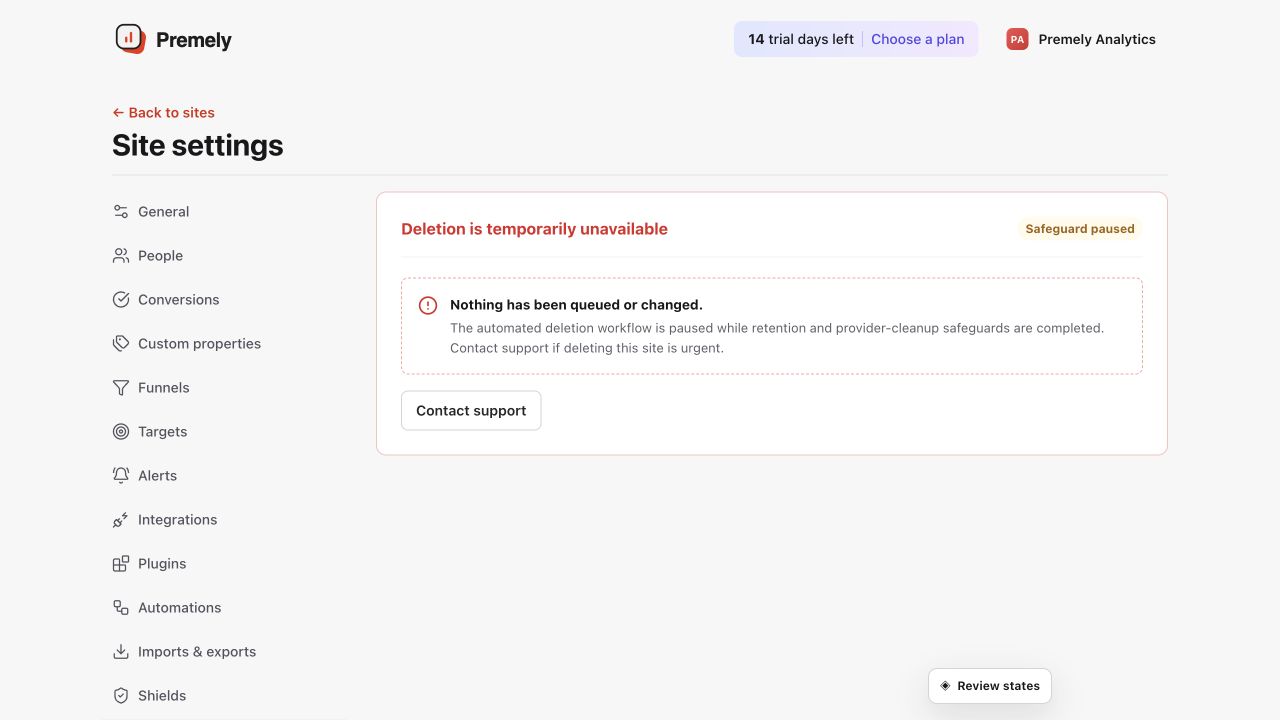
Confirm the exact site and read the consequences before starting an irreversible deletion. Shown in Premely with disposable demo data; your values will differ.
- 3
Read the current status
Check whether a deletion is already queued, in progress, blocked or complete. Do not create a second request to solve an existing in-progress request.
- 4
Confirm the exact name
Enter the exact site domain or workspace name required by the confirmation control, then queue the request only after you have reviewed the scope.
- 5
Follow the displayed status
Return to the same control to follow progress. Treat the visible status as the current source of truth rather than assuming the deletion has already completed.
What to expect
Queued is not complete
A queued request pauses site ingestion where applicable and remains visible until the required deletion work has been verified.
Deletion is permanent
Confirm the scope carefully before you submit it. The deletion control is not a way to temporarily hide a site or workspace.
Status is explicit
Premely shows the current deletion state. Do not assume a completion time that is not shown in the product.
Useful ways to apply this
A retired website
Request deletion for a site that is no longer operated after you have completed any approved export or handover.
Workspace offboarding
Use the workspace request only when the full workspace, not merely one site, is ready to be permanently removed.