
Plugins
Install Premely on Squarespace
Add the generated Premely script to Squarespace Code Injection and verify the published site.
- Squarespace

What it is
Squarespace installs Premely through its site-wide Header Code Injection setting. One generated script in that location covers the published site.
Why use it
Use this guide when a Squarespace site has access to Code Injection and needs one site-wide Premely installation.
Before you start
- Create the Squarespace public domain as a site in Premely and copy its generated script.
- Confirm your Squarespace plan and role show the Code Injection control before you start.
How to use it
- 1
Open Code Injection
In the Squarespace site dashboard, open Settings, Advanced, then Code Injection.
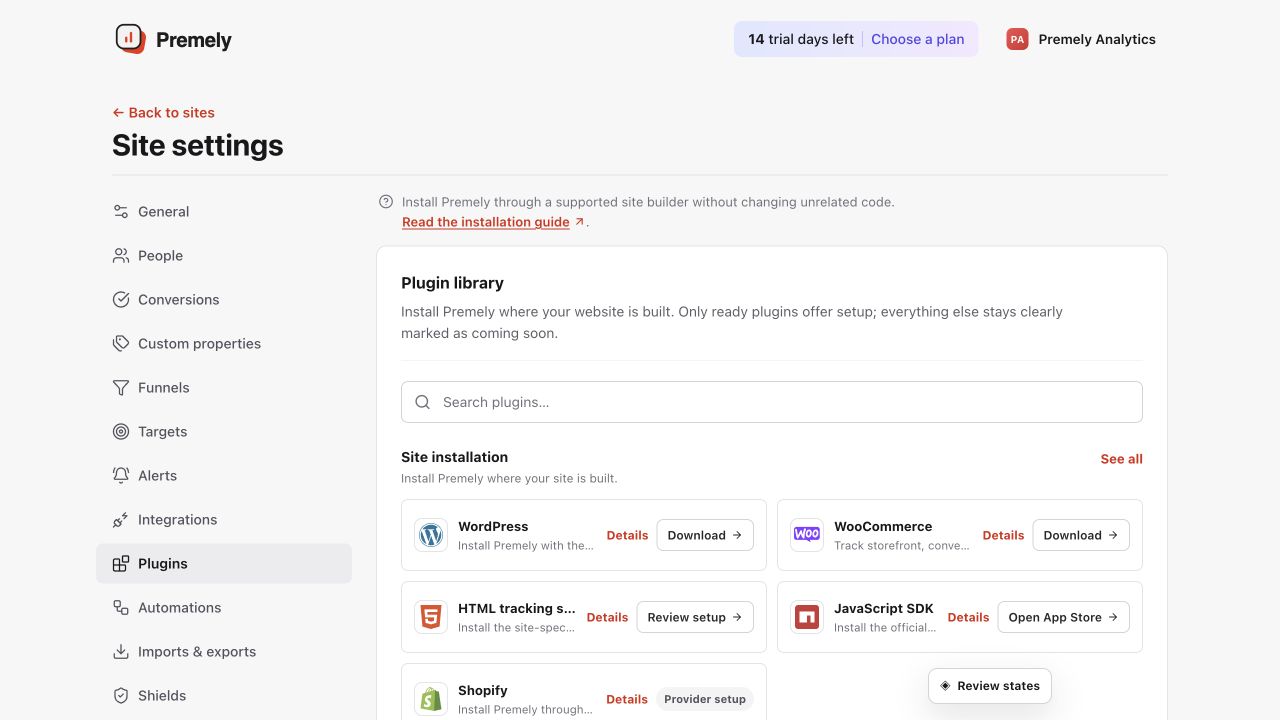
Open Squarespace for the current generated code, add it to the site-wide header, publish and verify. Shown in Premely with disposable demo data; your values will differ.
- 2
Paste the generated script in Header
Paste the Premely script once in Header. Do not add the same script in individual page blocks.
- 3
Save the site-wide change
Save the Code Injection setting so Squarespace can include the script on the public site.
- 4
Open the live site and verify
Visit the public website in a private browser window, then use Verify installation in Premely.
What to expect
Header is the shared placement
The Header field applies the script site-wide. A page-level copy can create duplicate pageviews.
A public visit confirms the setup
The connection is verified from the published website, not from the Squarespace editor.