
Plugins
Install Premely on HubSpot CMS
Add the generated Premely script to a HubSpot domain's Site Header HTML and verify the published pages.
- HubSpot

What it is
HubSpot CMS installs Premely through a domain-level Site Header HTML setting. This applies the generated script to pages served from the selected domain.
Why use it
Use this guide when your HubSpot-hosted domain needs one consistent Premely installation.
Before you start
- Create the public HubSpot domain as a site in Premely and copy its generated script.
- You need HubSpot Website settings permission for the domain-wide header setting.
How to use it
- 1
Open the selected domain's page settings
In HubSpot Settings, open Content, Pages, then choose the domain you want to connect.
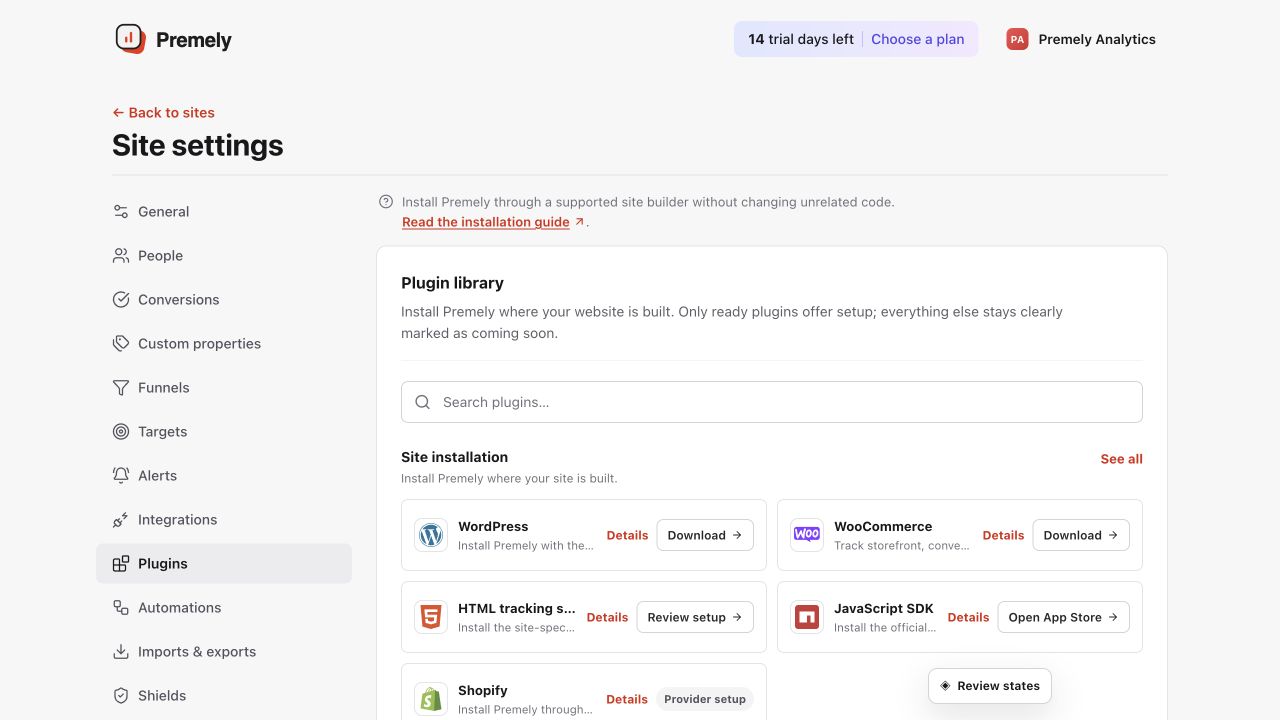
Open HubSpot for the current generated code, add it to the correct domain's site header and verify. Shown in Premely with disposable demo data; your values will differ.
- 2
Add the script in Site Header HTML
Paste the generated Premely script once in Site Header HTML for the domain.
- 3
Save the domain setting
Save the change so the script is included across the domain's published HubSpot pages.
- 4
Open a published page and verify
Visit a public page on the selected domain, then return to Premely and confirm the connection status.
What to expect
The setting is domain-wide
Use the domain Site Header HTML setting instead of adding a duplicate script in an individual page's Head HTML.
A domain can have its own configuration
Choose the exact HubSpot domain that matches the Premely site so data stays in the right reporting context.