
Automations
Connect n8n
Send selected Premely events to n8n and verify every signed delivery before the workflow uses it.
- n8n

What it is
The n8n destination sends Premely’s signed event envelope to a production webhook. The official n8n-nodes-premely community node verifies the exact raw body, HMAC-SHA256 signature, schema and delivery headers before exposing the canonical event to later workflow steps.
Why use it
Use n8n when verified Premely events should start a workflow you control in n8n Cloud or self-hosted n8n.
Before you start
- Install the verified n8n-nodes-premely package from Settings → Community nodes. Community nodes require self-hosted n8n or a supported n8n Cloud plan.
- You need owner or admin access in the Premely workspace.
How to use it
- 1
Create a raw-body production webhook
Add an n8n Webhook node using POST, enable Raw Body, choose an immediate response and use the production webhook URL rather than the temporary test URL.
- 2
Add the Premely verifier
Add a Premely node after the Webhook and choose Verify Signed Event. Keep Raw Body Source on Binary Property, Binary Property on data and Headers set to ={{ $json.headers }}.
- 3
Choose n8n
From Premely Automation destinations, choose n8n. The signing secret is shown once when the destination is created, so keep this setup window open until the credential is saved.
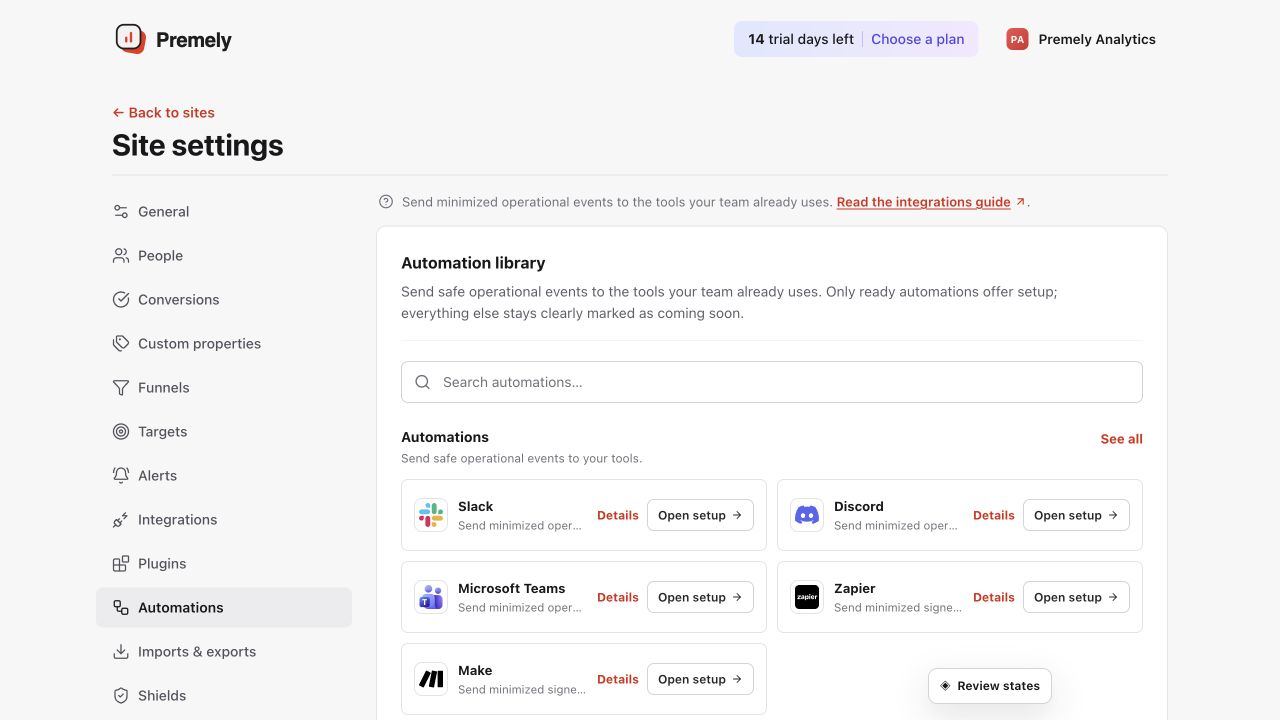
Choose n8n, use the production webhook URL and test the selected signed events. Shown in Premely with disposable demo data; your values will differ.
- 4
Store the one-time signing secret
Create a Premely Webhook API credential in n8n and paste the one-time signing secret. Never place the secret in ordinary workflow fields, expressions or logs.
- 5
Paste the production URL and select events
Publish the n8n workflow, paste its production Webhook URL into Premely and select only the events the workflow needs.
- 6
Send a verified connection test
Save the destination and send a test from Premely. Continue building the workflow only from the Premely node's verified canonical output.
What to expect
Verification fails closed
If an intermediary changes one request byte or a signed delivery header, the Premely node rejects the request and emits no event. It never outputs the signing secret or raw request body.
Use the stable production URL
An n8n production webhook is the stable destination for live Premely events. Test URLs are temporary and must not be saved as the ongoing Premely destination.