
Plugins
Install Premely on Bubble
Place the generated Premely script in Bubble's site-wide header, deploy live and verify the connection.
- Bubble

What it is
Bubble installs Premely through the site-wide Script/meta tags in header setting. This keeps the tracker available across the published application without repeating it on individual pages.
Why use it
Use this guide when you manage the site in Bubble and can deploy changes to the live version.
Before you start
- Create the Bubble public domain as a site in Premely and copy its generated script.
- Use an account with Bubble editor and deploy access.
How to use it
- 1
Open SEO and metatags
In the Bubble editor, open Settings, then SEO / metatags.
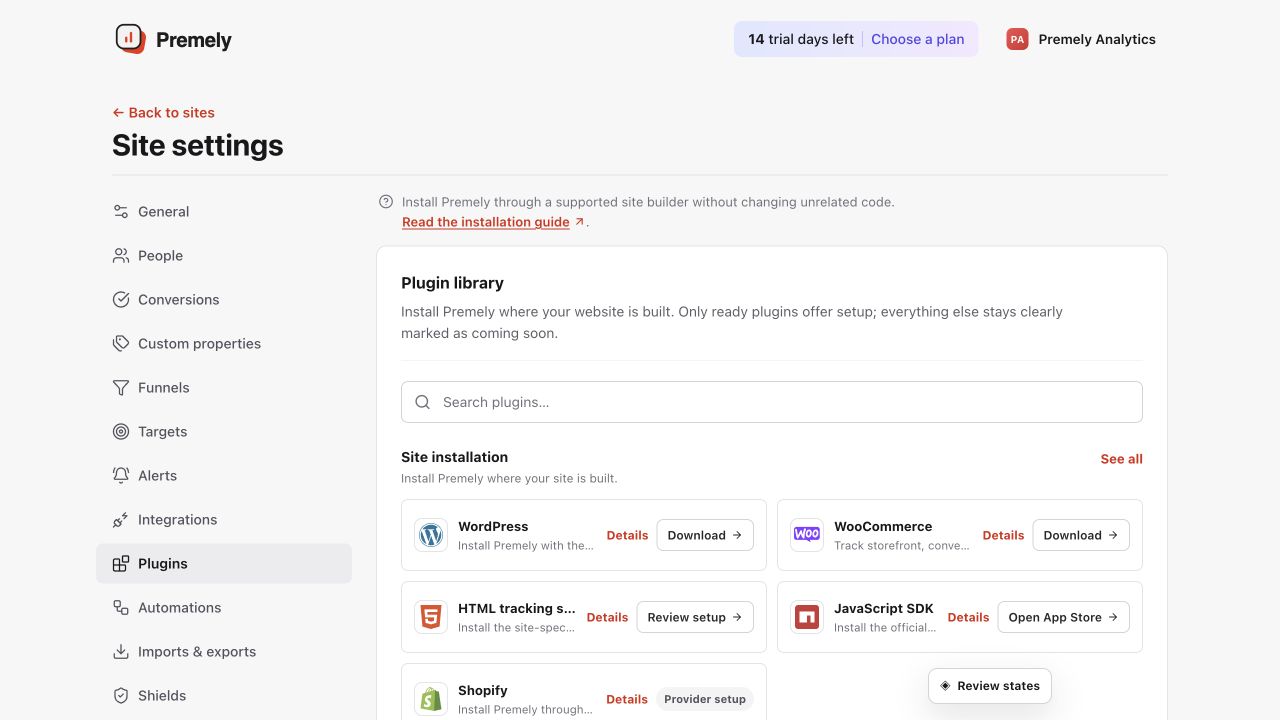
Open Bubble for the current site code, publish the live application and verify the public hostname. Shown in Premely with disposable demo data; your values will differ.
- 2
Add the site-wide header script
Paste the generated Premely script in
Script/meta tags in header. Do not duplicate it in a page-specific HTML Header. - 3
Deploy the live version
Deploy the changed application to live so the site-wide header is served to visitors.
- 4
Visit the live app and verify
Open the public application once, then return to Premely and confirm the connection status.
What to expect
The script applies to every page
Bubble's site-wide header setting covers the published application. A second page-specific copy is not needed.
Deployment makes the change public
Editing in Bubble does not update the live application until you deploy it.