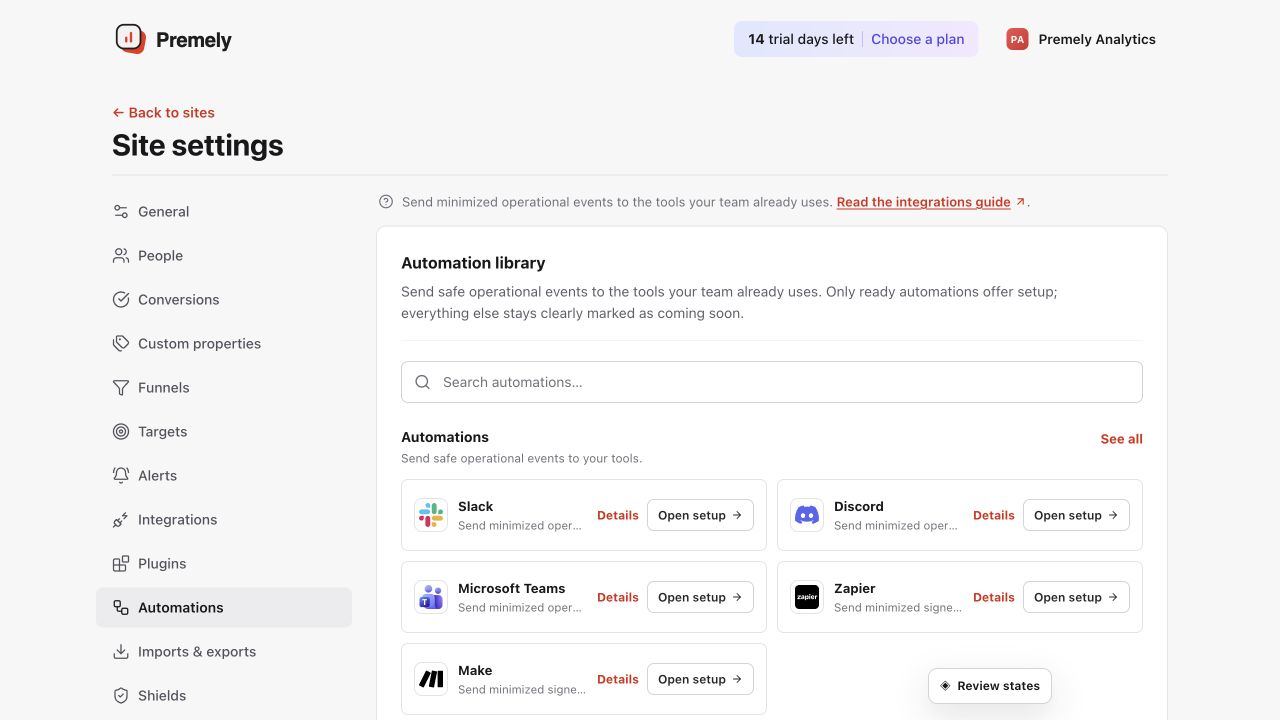
Automations
Make
Send minimized signed operational events to a Make custom webhook.
Setup availableConnect
Already connected? This opens your existing setup.
New to Premely? Log in or sign up to continue.
What it does
The Make destination sends Premely’s signed event envelope to the custom webhook in your Make scenario.
Before you connect
Create a custom webhook in the Make scenario you want Premely to start.
You need owner or admin access in the Premely workspace.
Good to know
Events use a signed envelope
Premely sends the Make destination a signed event envelope so the scenario can identify the delivery source.
Use the scenario’s exact URL
A Make custom webhook URL belongs to one scenario. Update the destination when you replace or rotate it in Make.
Set it up, step by step
Follow the complete Make guide, including configuration, verification and troubleshooting.