
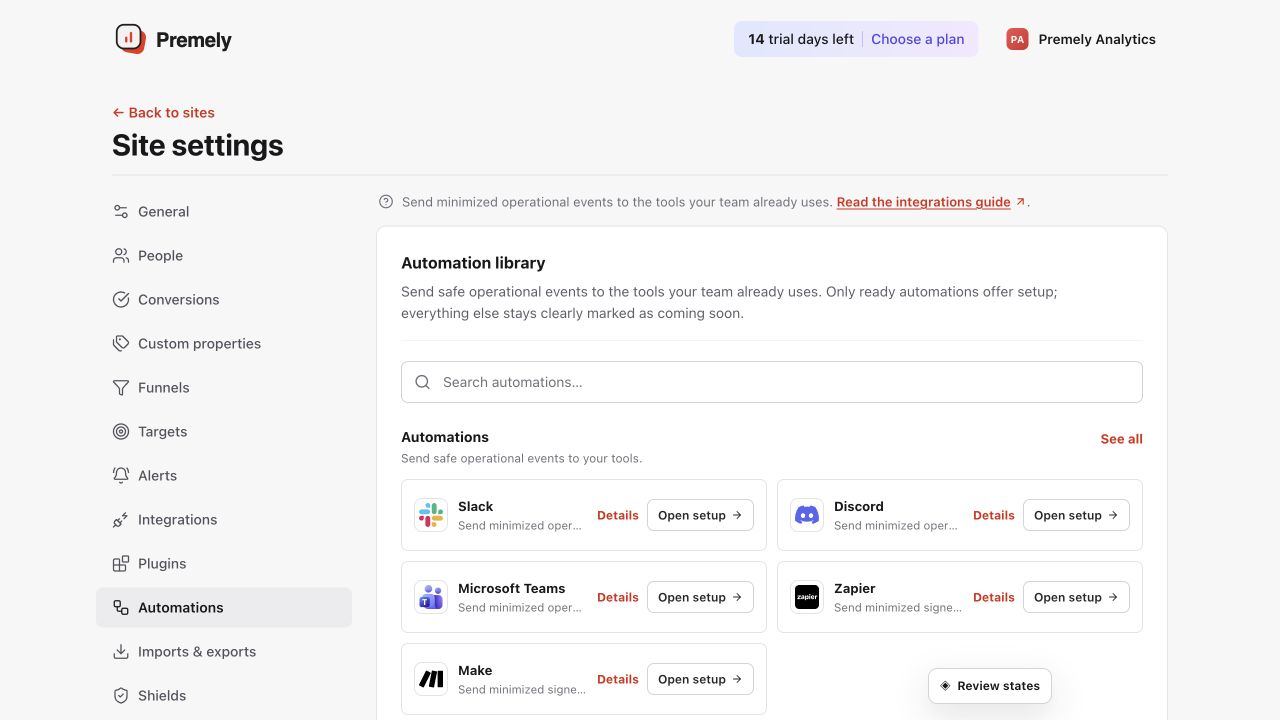
Automations
Slack
Send minimized operational summaries to a Slack incoming webhook.
Setup availableConnect
Already connected? This opens your existing setup.
New to Premely? Log in or sign up to continue.
What it does
The Slack destination posts safe operational summaries to the Slack channel connected to its incoming webhook URL.
Before you connect
Create an incoming webhook for the Slack channel where the team should receive Premely messages.
You need owner or admin access in the Premely workspace.
Good to know
The URL is encrypted
Premely stores the provider URL encrypted and shows only its hostname after you save it.
You can pause a destination
Pause Slack while you change the workflow, then resume it after a new test succeeds.
Set it up, step by step
Follow the complete Slack guide, including configuration, verification and troubleshooting.