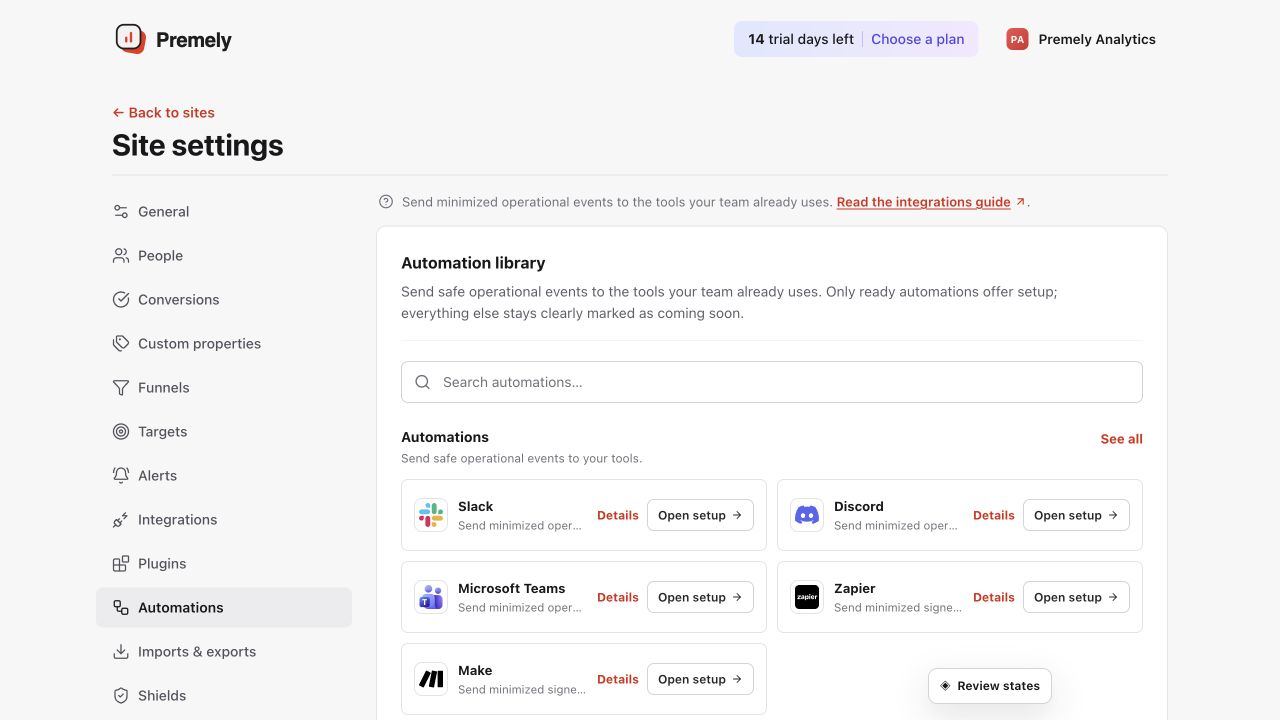
Automations
Microsoft Teams
Send minimized operational summaries to a Microsoft Teams workflow.
Coming soonAlready connected? This opens your existing setup.
New to Premely? Log in or sign up to continue.
What it does
The Microsoft Teams destination posts an Adaptive Card to the Teams Workflow webhook you connect.
Before you connect
Create a Teams Workflow webhook for the channel where Premely messages should appear.
You need owner or admin access in the Premely workspace.
Good to know
Use the provider-issued URL
The Teams Workflow webhook URL identifies the destination. Do not reuse a URL from another connection.
Keep the event list focused
Choose only events that the channel can act on. A small, relevant set is easier to notice and maintain.
Set it up, step by step
Follow the complete Microsoft Teams guide, including configuration, verification and troubleshooting.