Website plugins
HTML tracking snippet
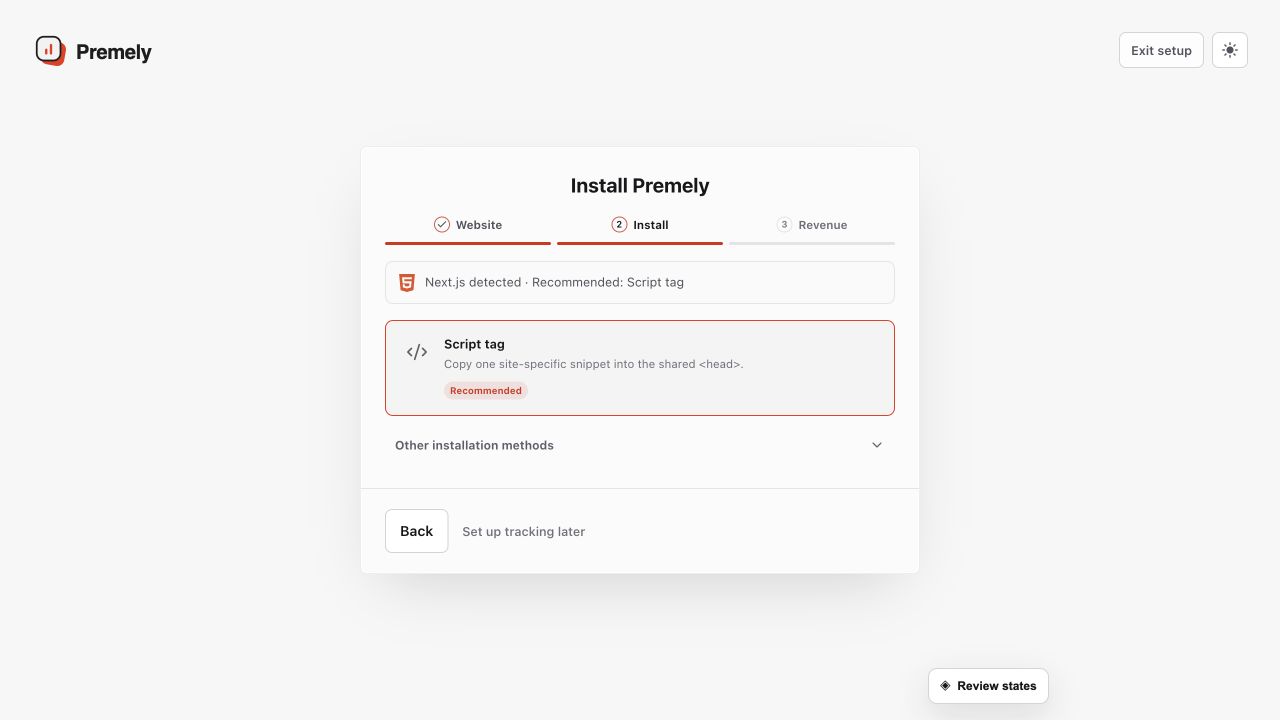
Install the site-specific Premely loader in any website header.
Setup availableAlready connected? This opens your existing setup.
New to Premely? Log in or sign up to continue.
What it does
Installation connects a site to Premely. The workspace generates the site-specific tracking details, so you never need to write or guess the tracking code yourself.
A site relaunch
Recheck the connection after moving to a new theme, host or site builder.
A key exposure
Rotate the site key from Site settings, replace the old code and check the connection again.
Before you connect
Create the site in Premely first.
Keep the site key private. Premely shows the complete replacement key only once after you rotate it.
Good to know
Use the workspace code only
Do not copy a code snippet from another site or workspace. A site key belongs to one site context.
Use a real visit to check the connection
The connection status is the source of truth. If it does not change, confirm that the published site contains the generated code in its shared head area.
Set it up, step by step
Follow the complete HTML tracking snippet guide, including configuration, verification and troubleshooting.