Website plugins
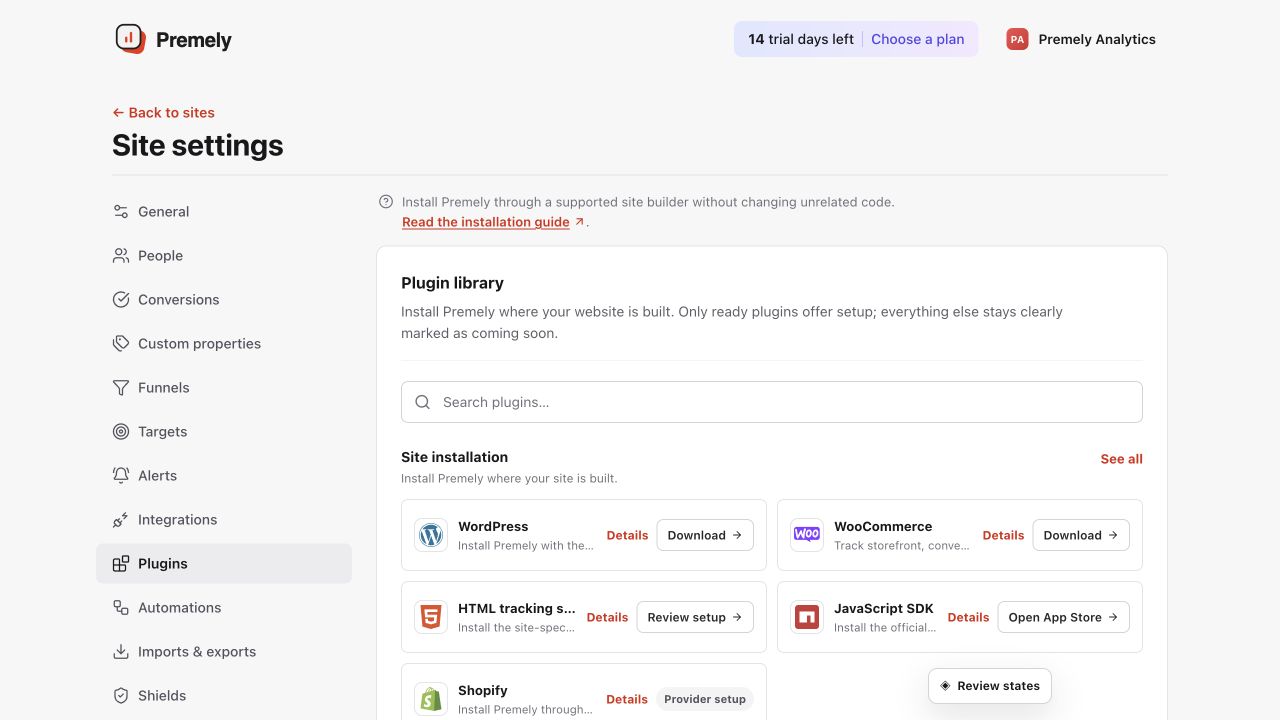
JavaScript SDK
Install the official zero-dependency Premely browser SDK from npm.
Setup availableAlready connected? This opens your existing setup.
New to Premely? Log in or sign up to continue.
What it does
Premely is a revenue-first, privacy-first analytics platform. @premely/analytics is its official JavaScript SDK, not a separate analytics product. It installs the same tracker used by the direct HTML snippet and platform integrations for sites that manage their own client-side code.
A framework application
Install Premely from one client-side provider or application layout so every published route is measured consistently.
A meaningful product action
Use track() for a clear completed action, keeping event properties short, non-personal and easy to read in reports.
Before you connect
Create the site in Premely and copy its public pm_site_v1_… site key from the setup instructions.
Choose one installation method. Remove a direct script or Google Tag Manager tag before you add the SDK, so the site does not send duplicate pageviews.
Use the official @premely/analytics package published by Premely on npm. Do not install similarly named third-party packages.
Good to know
One configuration stays active
Repeated setup calls with the same configuration reuse the existing tracker. Conflicting site, domain or collector settings are rejected instead of creating a second tracker.
Privacy controls are respected
With the default settings, browser Do Not Track is respected. A consent manager can use setConsent(false) to stop collection and clear unsent events.
One canonical chart system is used
The SDK does not create provider-specific charts. Premely normalizes accepted events into the same visitor, session, conversion, revenue, acquisition and semantic-event contracts used by every integration. Chart avatars require separate stable identity and deterministic linkage; browser tracking never invents a person identity.
Set it up, step by step
Follow the complete JavaScript SDK guide, including configuration, verification and troubleshooting.