
Revenue
Stripe
Import and reconcile verified Stripe revenue without treating provider rows as visitor identity.
Coming soonAlready connected? This opens your existing setup.
New to Premely? Log in or sign up to continue.
What it does
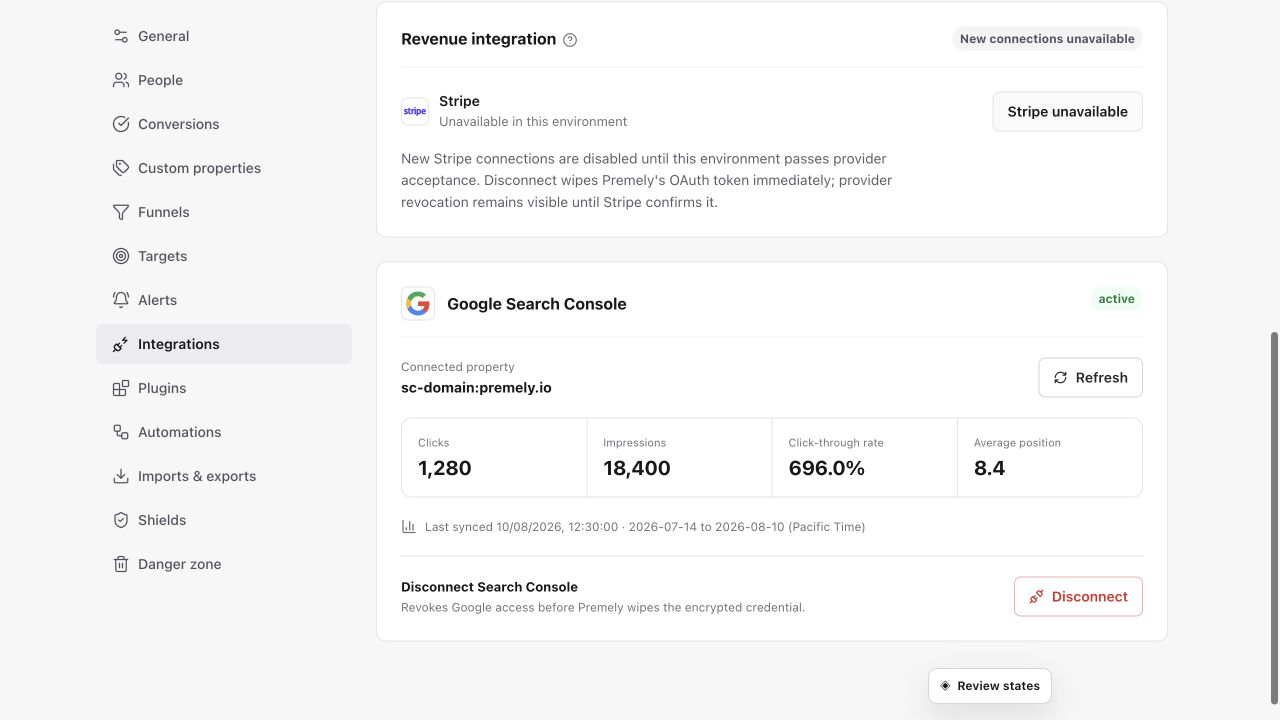
Premely has a read-only Stripe revenue connection for a selected site, subject to provider approval and environment availability. Where enabled, it reads authorised payment data; it does not create charges, issue refunds or process payments. Do not assume the integration is ready for your account merely because this guide exists.
A paid signup journey
Review completed signups, acquisition sources and connected revenue together after a launch or campaign.
Before you connect
You need owner or admin access in the Premely workspace.
Use a Stripe account that has access to the revenue data for the selected site.
Good to know
Revenue stays site-scoped
The connection belongs to the selected Premely site. Connect Stripe again when another site needs its own revenue context.
Currencies stay separate
Premely does not silently add mixed currencies together. Review each currency in its own context.
Set it up, step by step
Follow the complete Stripe guide, including configuration, verification and troubleshooting.


