Revenue
Chargebee
Import verified Chargebee subscription payments and refunds.
Setup availableAlready connected? This opens your existing setup.
New to Premely? Log in or sign up to continue.
What it does
The Chargebee connection uses a site-specific HTTPS endpoint protected by generated Basic Auth credentials.
Subscription payment reporting
Review supported Chargebee payments and refunds beside acquisition and conversion data for the selected site.
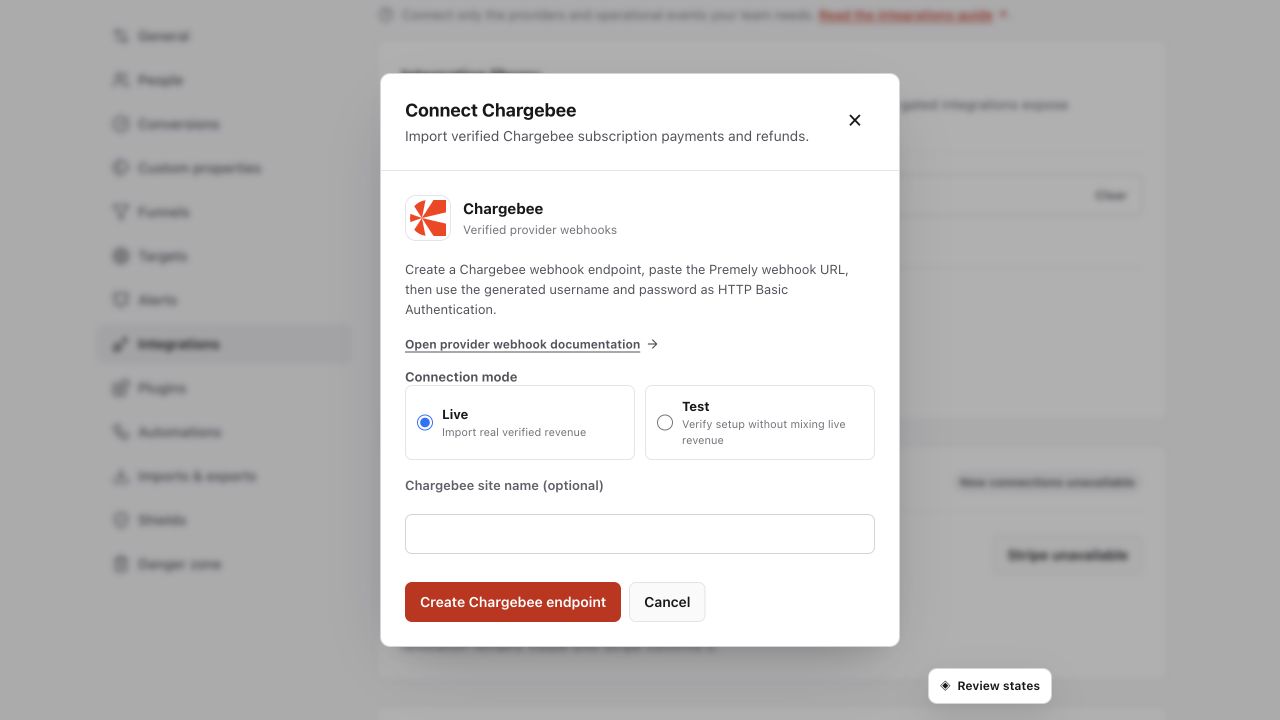
Before you connect
You need owner or admin access in the Premely workspace.
You need permission to create or edit webhooks in the Chargebee site.
Choose Test or Live to match the Chargebee site you are connecting.
Good to know
Check the site and environment
Each connection sends revenue to one Premely site. A Test connection does not verify a Live connection. Keep the provider environment and the Premely mode the same throughout setup.
Currencies stay separate
Premely does not silently combine or convert different currencies. Provider revenue appears in Revenue and Revenue / Visitor only in its valid currency context.
Revenue and visitor attribution are separate
A verified payment can appear in revenue without being linked to a visitor. Premely shows the visitor link only when the payment carries matching Premely attribution data.
Duplicate deliveries do not duplicate revenue
If the provider retries the same event, Premely does not count it as another payment.
Set it up, step by step
Follow the complete Chargebee guide, including configuration, verification and troubleshooting.