Website plugins
Google Tag Manager
Import the official permissioned Premely tag template without Custom HTML.
Setup availableAlready connected? This opens your existing setup.
New to Premely? Log in or sign up to continue.
What it does
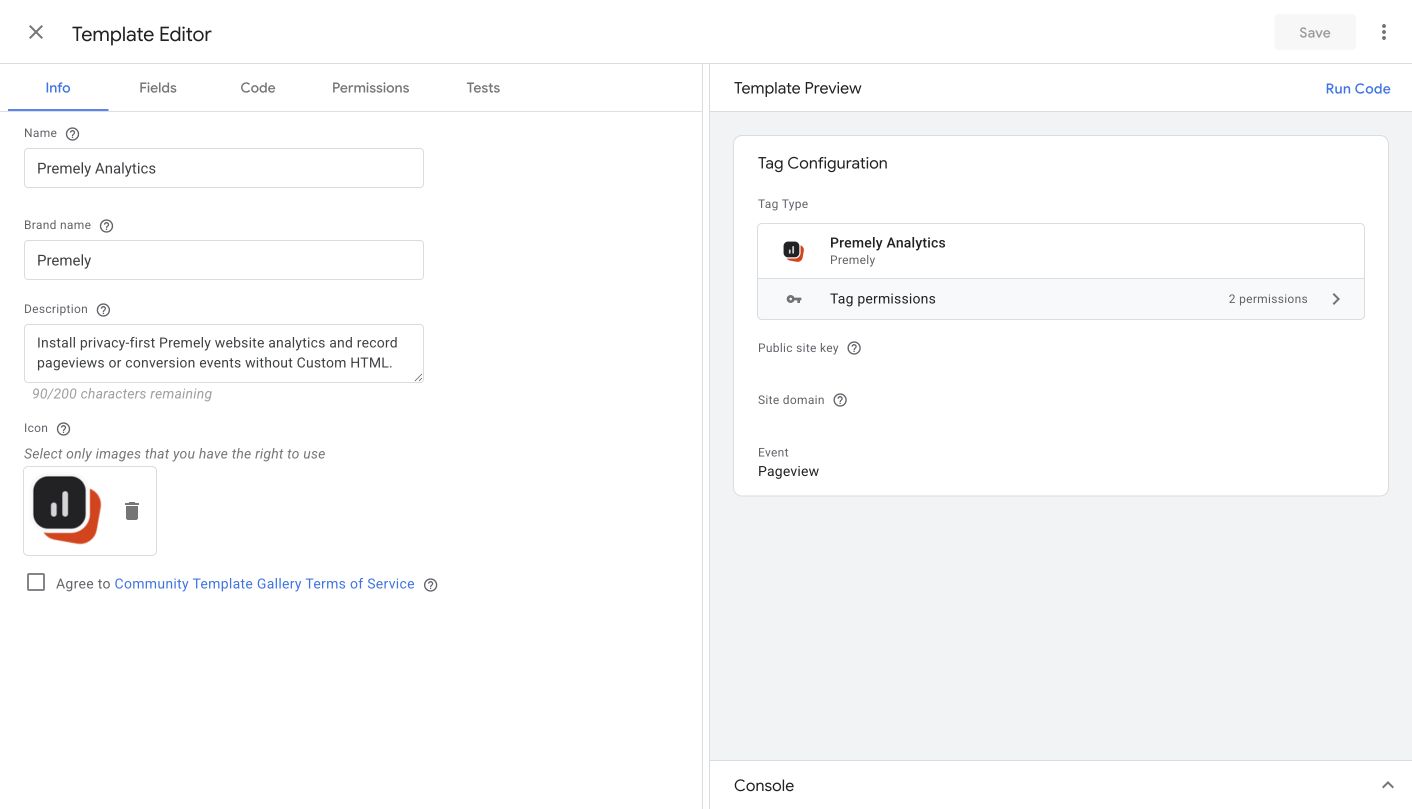
The Premely Analytics Google Tag Manager tag installs Premely through GTM's permissioned tag system. It supports pageviews and privacy-safe custom events without a Custom HTML tag, cookies or an API secret.
A marketing team release
Preview the tag before publishing the container so the team can confirm one clean pageview without a code deployment.
A defined conversion action
Create one custom-event tag for a meaningful action, then make a Premely goal from the event name.
Before you connect
Create the site in Premely and copy its public site key and canonical hostname.
Your Google Tag Manager web container must already be installed on the website. You need edit access to configure the tag and publish access to release it.
Remove any direct Premely script, SDK or platform installer before you publish the GTM tag.
Good to know
Use one Premely install only
Do not run a separate Custom HTML snippet or another Premely configuration alongside the GTM tag. Conflicting configurations stop rather than forwarding a pageview.
Custom events use a second tag
For a custom event, add another Premely Analytics tag, choose Custom event, use safe scalar properties and attach the appropriate GTM trigger.
Set it up, step by step
Follow the complete Google Tag Manager guide, including configuration, verification and troubleshooting.